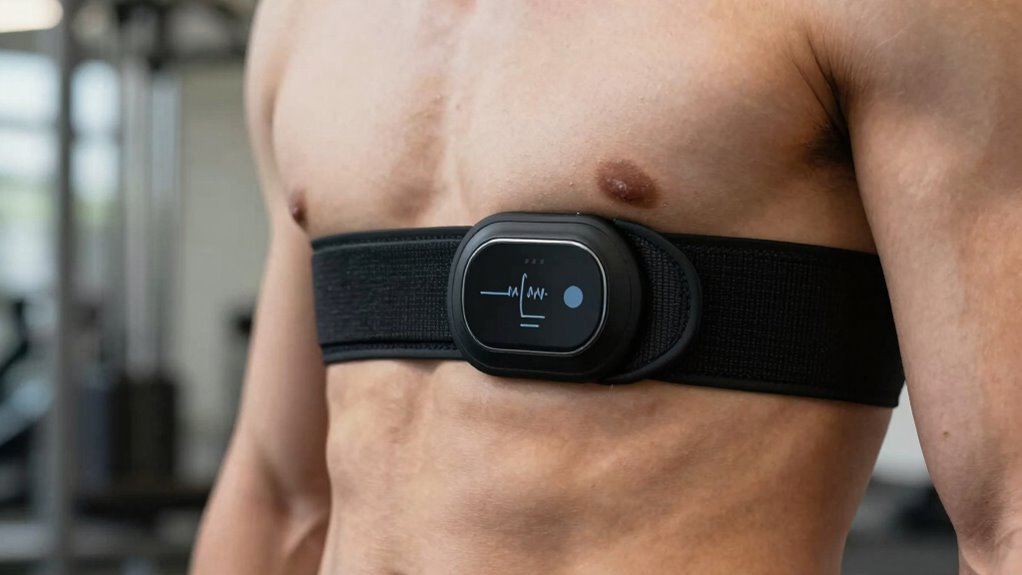

To get a clean signal from your heart rate strap, make certain it fits snugly but comfortably around your chest or wrist, with sensors centered over your pulse points. Keep your skin clean and dry, avoiding lotions or creams, and verify good contact by tightening the strap slightly. Stay away from electronic interference, and regularly maintain and clean your strap. For more tips on optimizing signal quality, keep exploring ways to improve your setup.
Key Takeaways
- Ensure the strap fits snugly and is positioned centrally over the chest or wrist for optimal contact.
- Clean skin with soap and water, then dry thoroughly before wearing the strap.
- Maintain proper electrode placement, making sure sensors are centered over pulse points.
- Keep electronic devices away to prevent electromagnetic interference that disrupts signals.
- Regularly clean the strap and inspect for wear to maintain consistent, high-quality signal transmission.
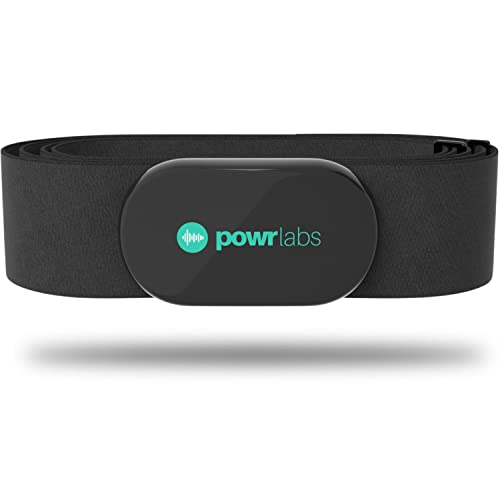
Powr Labs Bluetooth ANT+ Heart Rate Monitor Chest Strap for Garmin, Peloton
- Universal Compatibility: Works with Garmin, Polar, Peloton, Wahoo
- Easy Pairing: Syncs via ANT+ and Bluetooth effortlessly
- All-Day Comfort: Soft, seamless fabric prevents chafing
As an affiliate, we earn on qualifying purchases.
As an affiliate, we earn on qualifying purchases.
How Heart Rate Straps Work and Why Signal Quality Matters
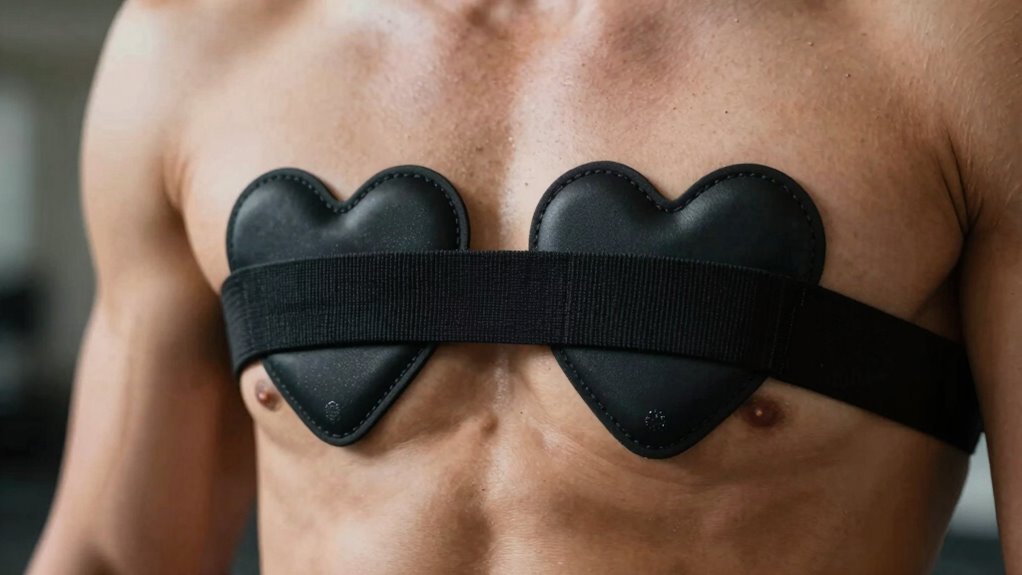
Heart rate straps work by detecting electrical signals generated by your heart as it beats. Proper electrode placement is vital for capturing a clear, accurate signal. When the electrodes are positioned correctly against your skin, they pick up the electrical impulses with minimal noise. A good contact with the skin is essential for signal integrity, which directly affects the accuracy of your heart rate data. However, poor electrode placement can cause weak or inconsistent signals, making your heart rate data unreliable. Signal interference from external sources like movement, clothing, or nearby electronic devices can also disrupt the data transmission. To get the best results, ensure your strap contacts your skin firmly and is positioned correctly. Reducing interference and maintaining good electrode contact help improve signal quality, giving you more accurate heart rate readings during your workouts. Additionally, choosing quality straps designed with advanced technology can further enhance signal stability and accuracy. Proper maintenance and regular cleaning of your strap also contribute to maintaining optimal signal over time. Regularly updating your device’s firmware can also help optimize signal performance and prevent connectivity issues.

Polar H10 H9 H7 Chest Strap Replacement – Adjustable HRM Soft Chest Strap Compatible with Heart Rate Sensor (Black)
- Compatible Sensor: The heart rate monitor replacement…
- Adjustable Chest Size: Wearable size from 29.5" to…
- Elastic Material: Silicone +Fiber. The high-quality fabric…
As an affiliate, we earn on qualifying purchases.
As an affiliate, we earn on qualifying purchases.
How to Properly Fit Your Heart Rate Strap for Better Signal
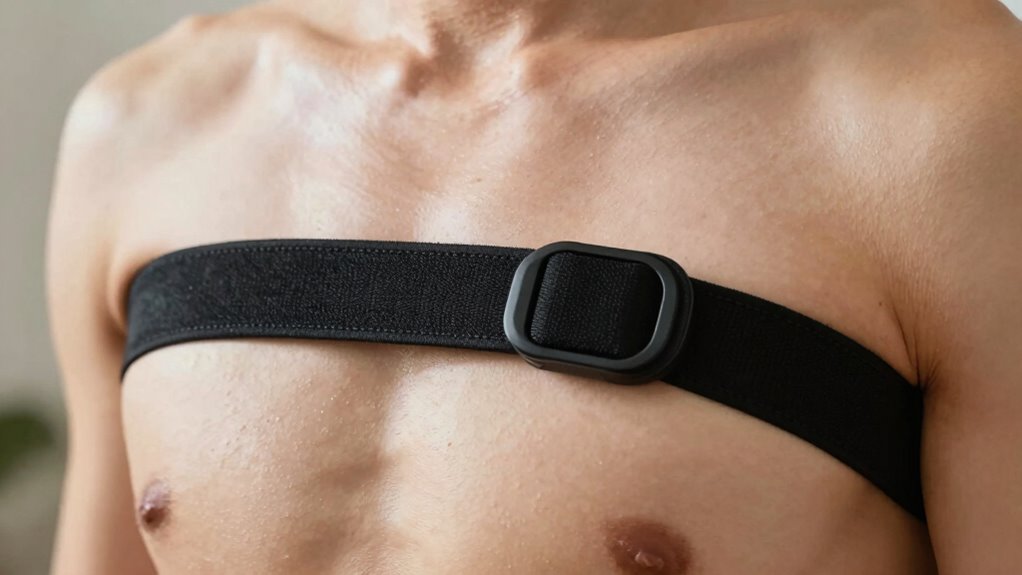
To make certain your heart rate strap captures accurate data, it’s important to fit it correctly. Start with sensor placement, ensuring the strap sits snugly around your chest or wrist, depending on the type. The sensor should be centered over your chest muscle or wrist pulse point for ideal contact. Adjust the strap tightness so it feels secure but isn’t constricting; too loose, and signals will be weak or inconsistent. If it’s too tight, it can cause discomfort and interfere with blood flow. Remember, consistent strap tightness and proper sensor placement are key to a reliable heart rate signal. It’s also helpful to verify the correct positioning of the strap before starting your activity. Take a moment to check that the strap isn’t shifting during your activity for the best possible results. Ensuring the proper fit can significantly improve the accuracy of your heart rate data during exercise or daily monitoring. Additionally, maintaining consistent contact between the sensor and your skin helps prevent signal loss and inaccuracies.
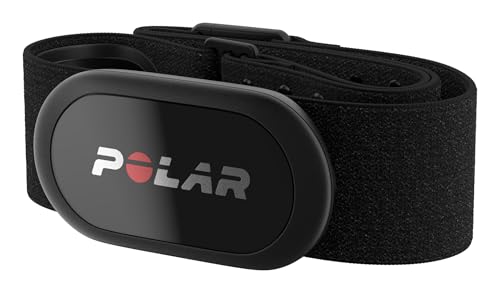
Polar H10 Heart Rate Monitor Chest Strap – ANT + Bluetooth, Waterproof HR Sensor for Men and Women, Black, M-XXL
- Compatibility: Works with all HRM-compatible devices
- Accuracy: Highly accurate heart rate measurement
- Connectivity: Bluetooth, ANT+, and 5 kHz support
As an affiliate, we earn on qualifying purchases.
As an affiliate, we earn on qualifying purchases.
Preparing Your Skin and Environment for Clear Heart Rate Signals
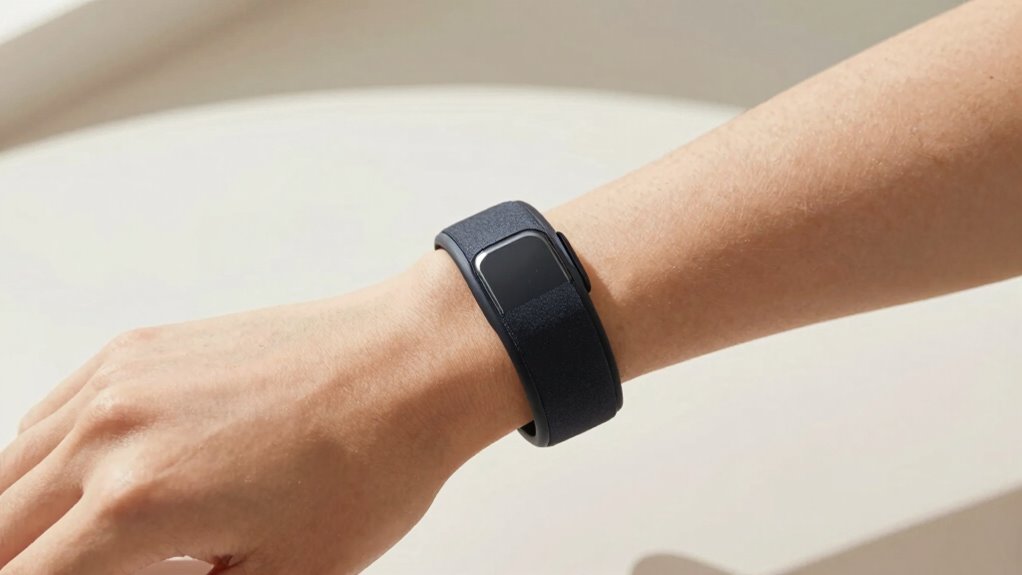
Ensuring your skin and environment are prepared can considerably improve the accuracy of your heart rate signals. Proper electrode placement is essential; position the strap firmly against clean, dry skin to guarantee good contact. Skin preparation makes a significant difference—wash the area with soap and water, then dry thoroughly to remove oils and sweat that can interfere with signal transmission. Avoid lotions or creams before placing the strap, as they can create a barrier. Choose a cool, dry environment to prevent sweating or moisture from affecting the electrodes. Keep the strap snug but comfortable to maintain consistent contact. Additionally, minimizing external electromagnetic interference can help ensure a clear signal. Using antenna positioning techniques and keeping devices away from sources of interference can further enhance signal quality. Being aware of signal interference sources can help you take proactive steps to improve overall tracking accuracy. Incorporating Skin preparation techniques, such as using alcohol wipes to clean the area, can further optimize electrode contact and signal clarity. Ensuring your environment is free from electromagnetic disturbances can also significantly contribute to a more reliable heart rate signal, reducing errors and improving overall tracking accuracy.
heart rate monitor strap cleaning kit
As an affiliate, we earn on qualifying purchases.
As an affiliate, we earn on qualifying purchases.
Common Heart Rate Signal Problems and How to Fix Them
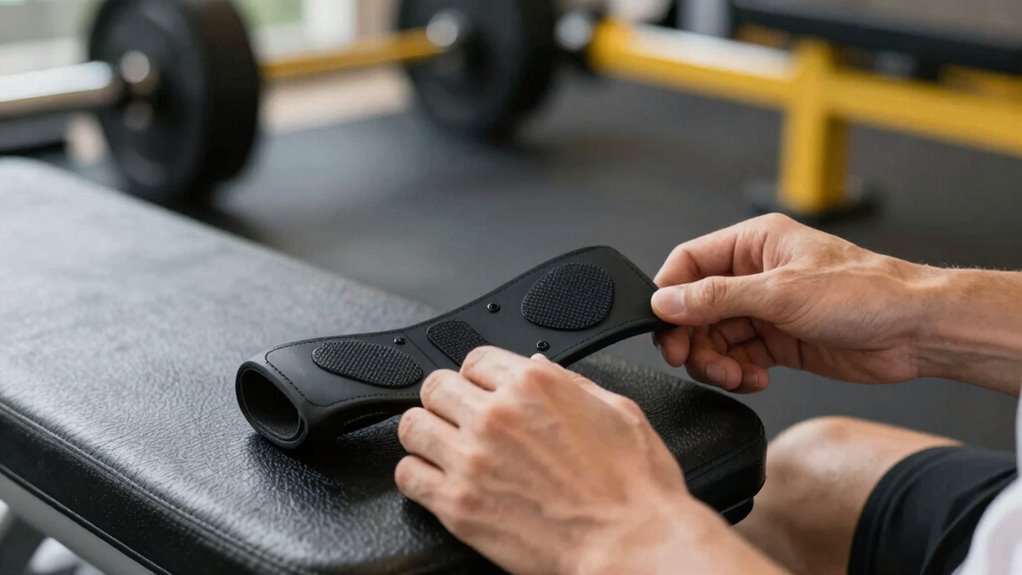
Despite taking careful steps to prepare your skin and environment, you may still encounter common heart rate signal problems like inconsistent readings, dropouts, or interference. These issues often stem from poor electrode placement or signal interference from nearby electronics. To fix electrode placement, ensure the strap is snug and positioned correctly over your chest, with electrodes directly on your skin. Minimize signal interference by moving away from devices like phones, tablets, or Wi-Fi routers. Regularly inspecting and maintaining your heart rate strap can also prevent many issues, ensuring a reliable signal. Proper electrode contact and consistent strap maintenance are essential for accurate heart rate monitoring, as signal integrity depends heavily on these factors. Additionally, using quality cables and connectors can help maintain a strong connection during workouts. Being aware of device interference sources can further improve your monitoring accuracy.
Tips for Maintaining Your Heart Rate Strap’s Signal Over Time
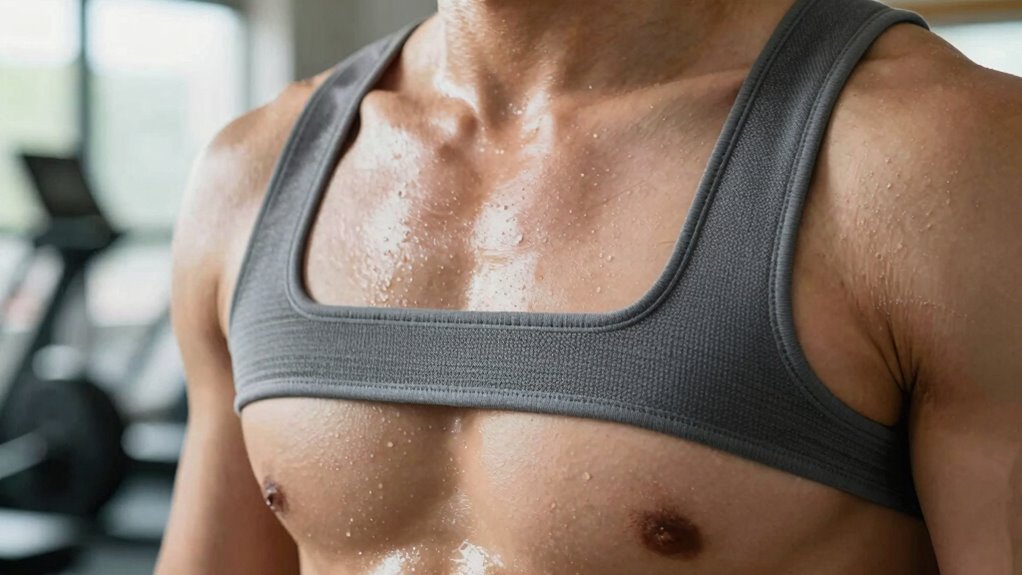
Regularly maintaining your heart rate strap helps keep your readings consistent and reliable over time. Proper sensor placement is essential; make sure the strap sits snugly against your skin without being too tight, ensuring good contact with the sensors. Check the strap for any signs of wear or damage during routine strap maintenance, and clean it regularly with gentle soap and water to remove sweat and dirt that can interfere with signal quality. Store the strap in a cool, dry place when not in use to prevent degradation. Replacing batteries as needed also helps maintain a strong signal. Additionally, paying attention to sensor calibration ensures your device provides accurate readings. Ensuring sensor contact, such as proper skin contact and correct strap positioning, is crucial for accurate data. Regularly inspecting the strap for wear and tear can prevent unexpected signal issues. Proper device maintenance and mindful handling of your heart rate strap can extend its lifespan and performance. By paying attention to sensor placement and performing routine strap maintenance, you’ll guarantee your heart rate readings stay accurate and dependable during every workout. Incorporating proper cleaning techniques can further improve signal quality and prolong the lifespan of your device.
Frequently Asked Questions
Can Different Brands of Heart Rate Straps Be Used Interchangeably?
Yes, different brands of heart rate straps can often be used interchangeably, but it depends on brand compatibility and the strap’s connection type. Many straps use standard Bluetooth or ANT+ protocols, making them compatible across devices and brands. However, always verify if the strap is compatible with your device or fitness app. To guarantee a clean signal, choose straps that support your device’s connection standards and avoid mixing incompatible brands.
How Often Should I Replace My Heart Rate Strap?
Like a trusty sidekick, you should replace your heart rate strap every 6 to 12 months to guarantee ideal sensor maintenance and strap longevity. Regularly check for wear and tear, especially around the buckle and sensor area, to maintain a clean signal. If you notice inconsistent readings or diminished signal quality, it’s time to swap it out. Staying proactive keeps your fitness data accurate and your workouts on point.
Are There Specific Fabrics or Materials That Interfere With Signals?
Certain fabrics, like wool or thick cotton, can cause fabric interference, disrupting your heart rate signal. Synthetic materials such as polyester or spandex usually work better. Moisture impact also matters—sweat and humidity can interfere with signal quality. To get a clean signal, wear a snug, moisture-wicking shirt under your strap, and avoid bulky or textured fabrics that block the sensors. This helps make certain accurate heart rate readings during your workout.
What Is the Best Storage Method to Preserve Signal Quality?
Imagine your heart rate strap like a delicate bird’s nest—keep it in a cool, dry place to preserve its signal quality. Store it flat, avoiding compression that can damage the sensors. Guarantee moisture management by keeping it dry, and always secure fastening to prevent movement. This way, your strap stays in top shape, ready to capture accurate readings whenever you need them, like a trusted wingman on your fitness journey.
Do Temperature Changes Affect Heart Rate Strap Signal Accuracy?
Temperature changes can affect your heart rate strap’s signal accuracy by impacting sensor calibration. Environmental factors like extreme heat or cold may cause the strap to malfunction or lose contact, resulting in inconsistent readings. To maintain accuracy, you should store your strap in a stable environment and recalibrate it if you notice signal issues after temperature fluctuations. Staying aware of these factors helps guarantee your heart rate data remains reliable during workouts.
Conclusion
Getting a clear heart rate signal is like tuning a fine instrument—you need the right fit, proper preparation, and some maintenance. By following these tips, you’ll ensure your monitor sings in harmony with your efforts, not static. Keep your strap clean, snug, and ready, and you’ll enjoy accurate readings that help you hit your fitness notes perfectly. A little care goes a long way in turning static into a steady, reliable beat.